Learn new words Keep them forever
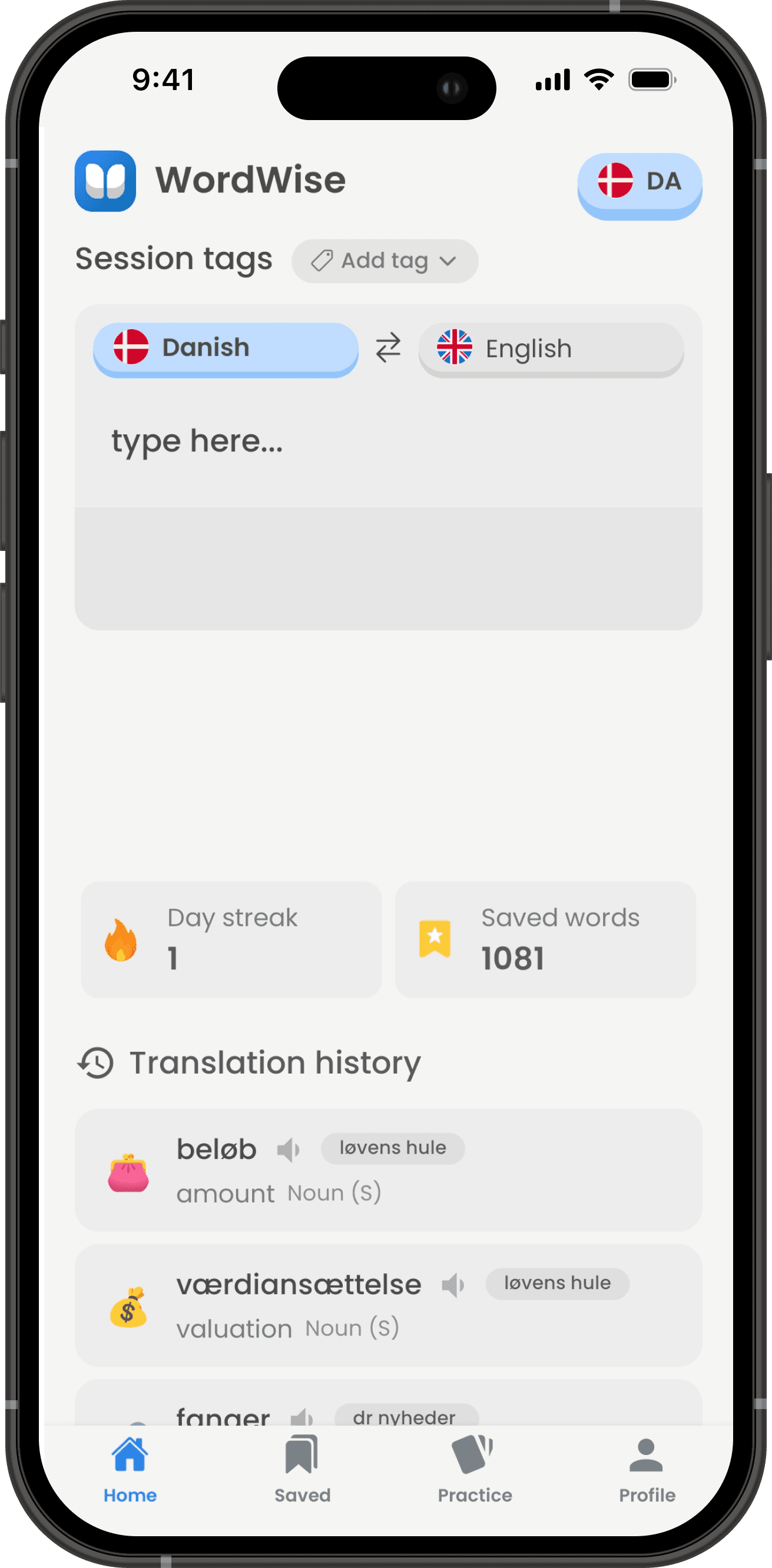
Translate, save, and review words with flashcards. Build your vocabulary effortlessly and track your learning progress.





PROBLEM
Tired of losing the words you learn?
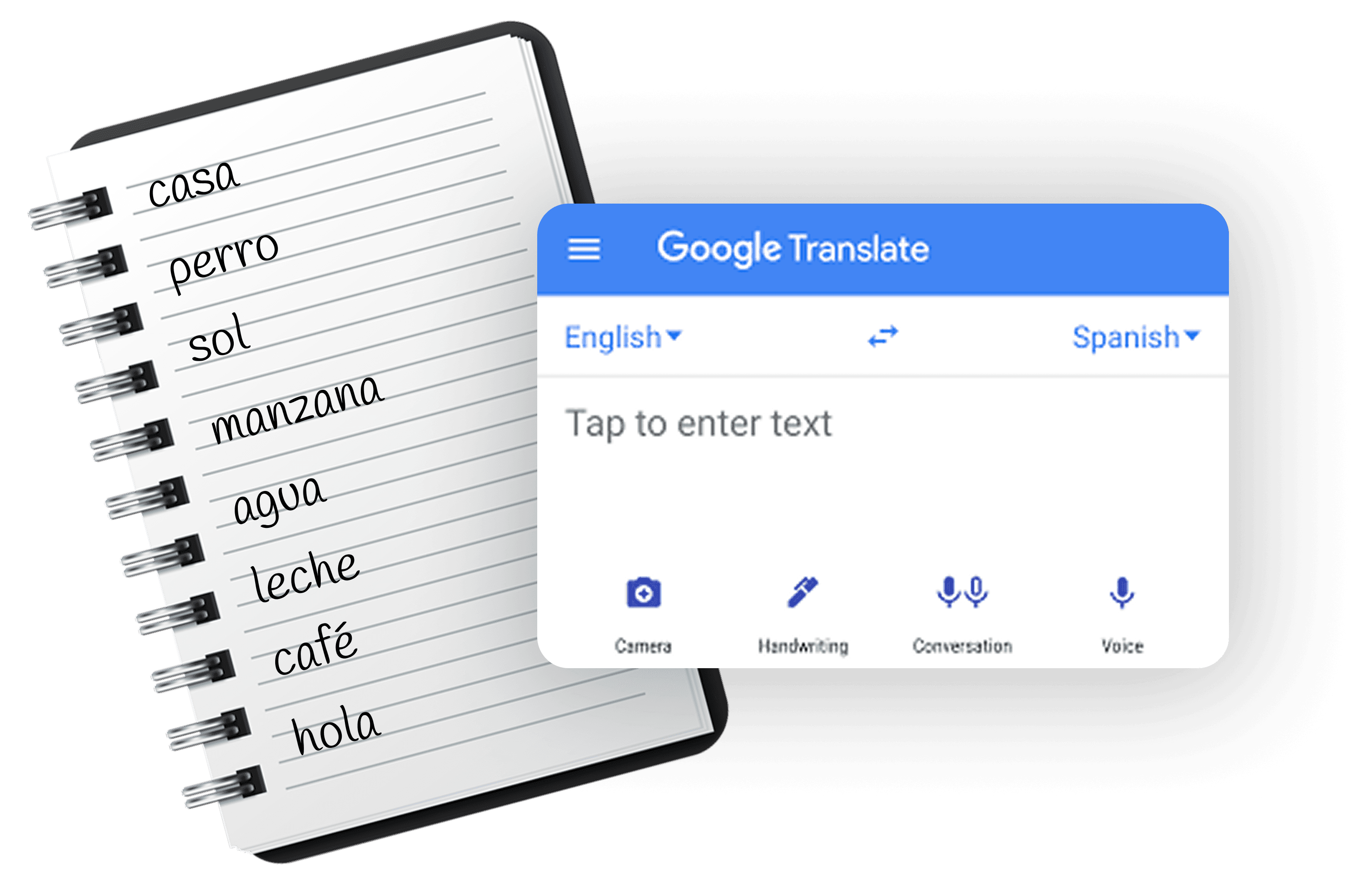
You’re learning new words every day—whether from a book, a class, or a language app. But after a few days, they fade away. You jot them down in a notebook or translate them in Google, but they get lost. Sound familiar?
SOLUTION
Keep your words in one place
With Wordwise, you don’t just translate words—you save them.
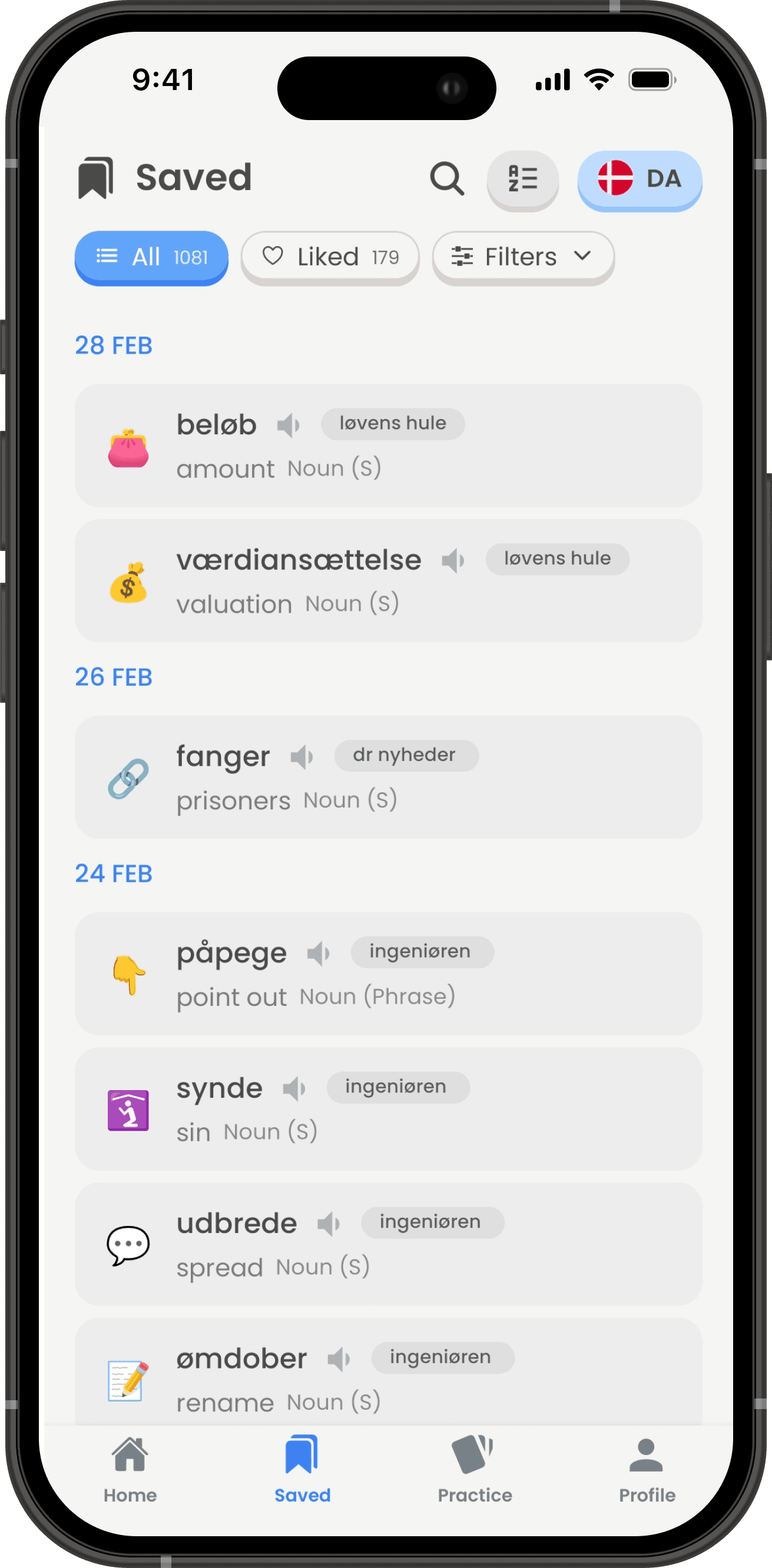
- Build your own word list.
- Customize with tags, emojis, and notes, and filter through your words with ease.
- Practice with flashcards.
- Track your progress so every word you learn sticks.
Main features
Wordwise offers a variety of features to help you learn new words and improve your vocabulary.
Offline translation
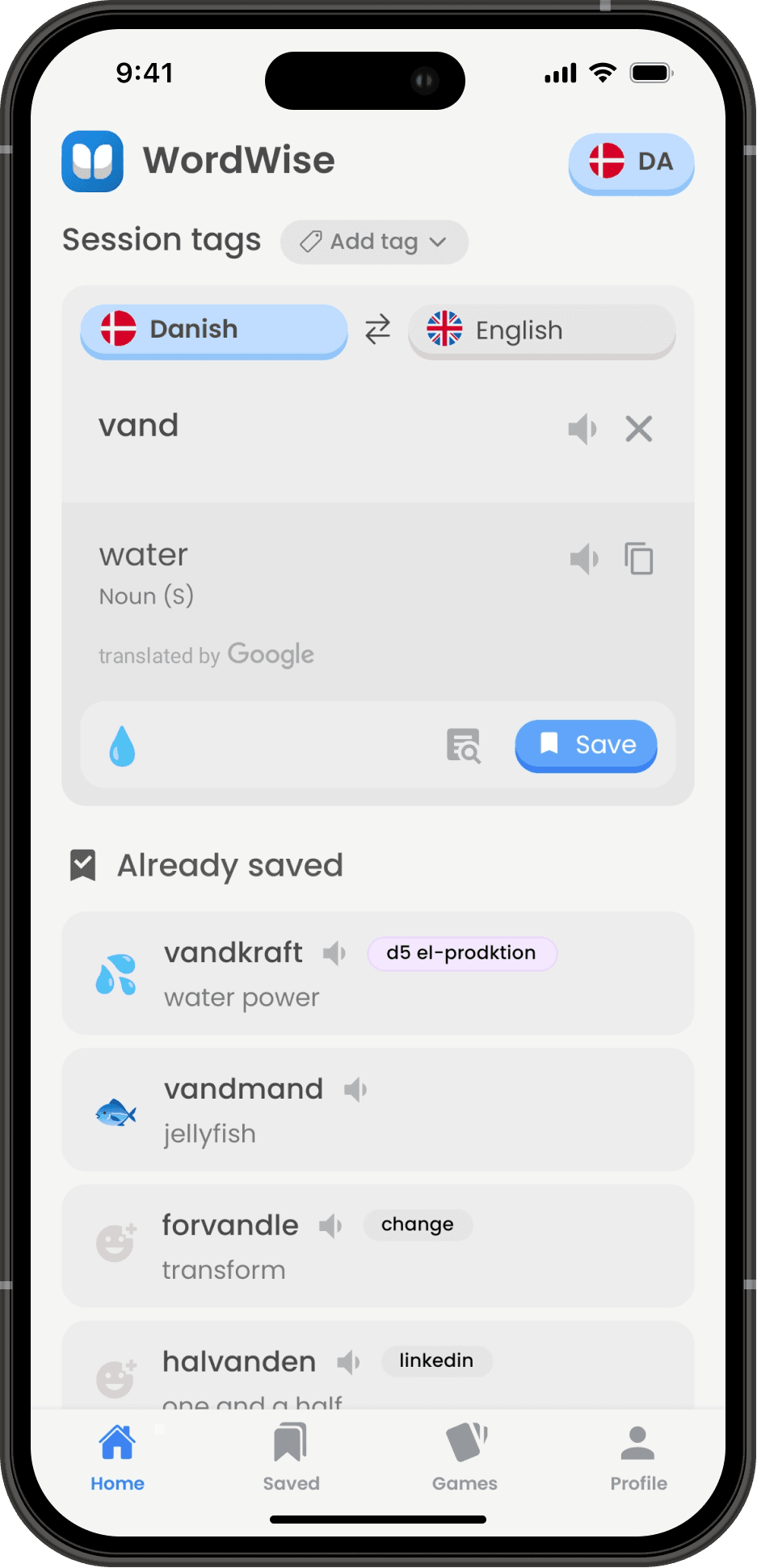
Translate words even without an internet connection.
Word lists
Save words to your personal dictionary for quick access with filtering.
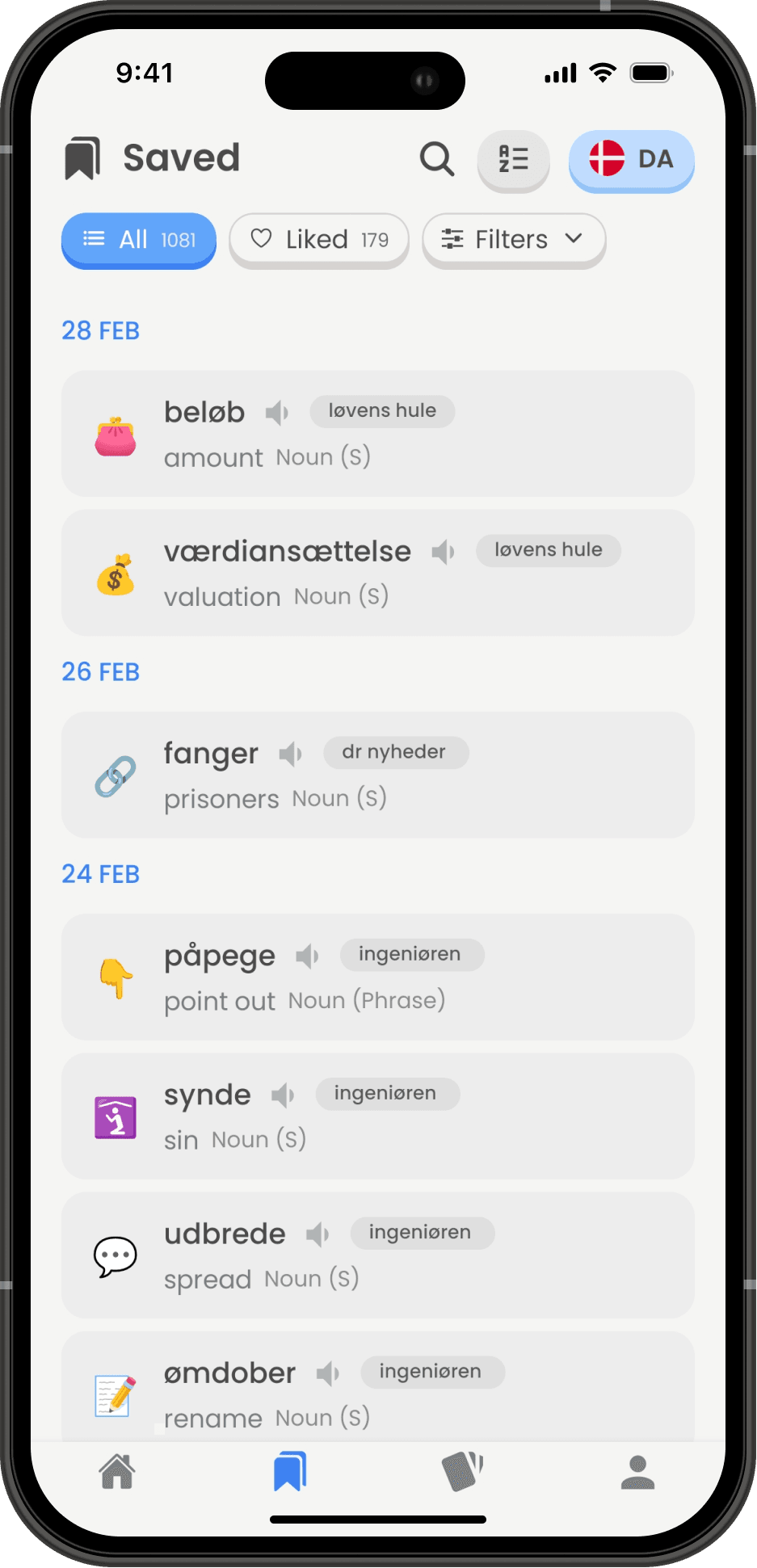
Customize words
Add emojis, tags, meanings and more to your words.

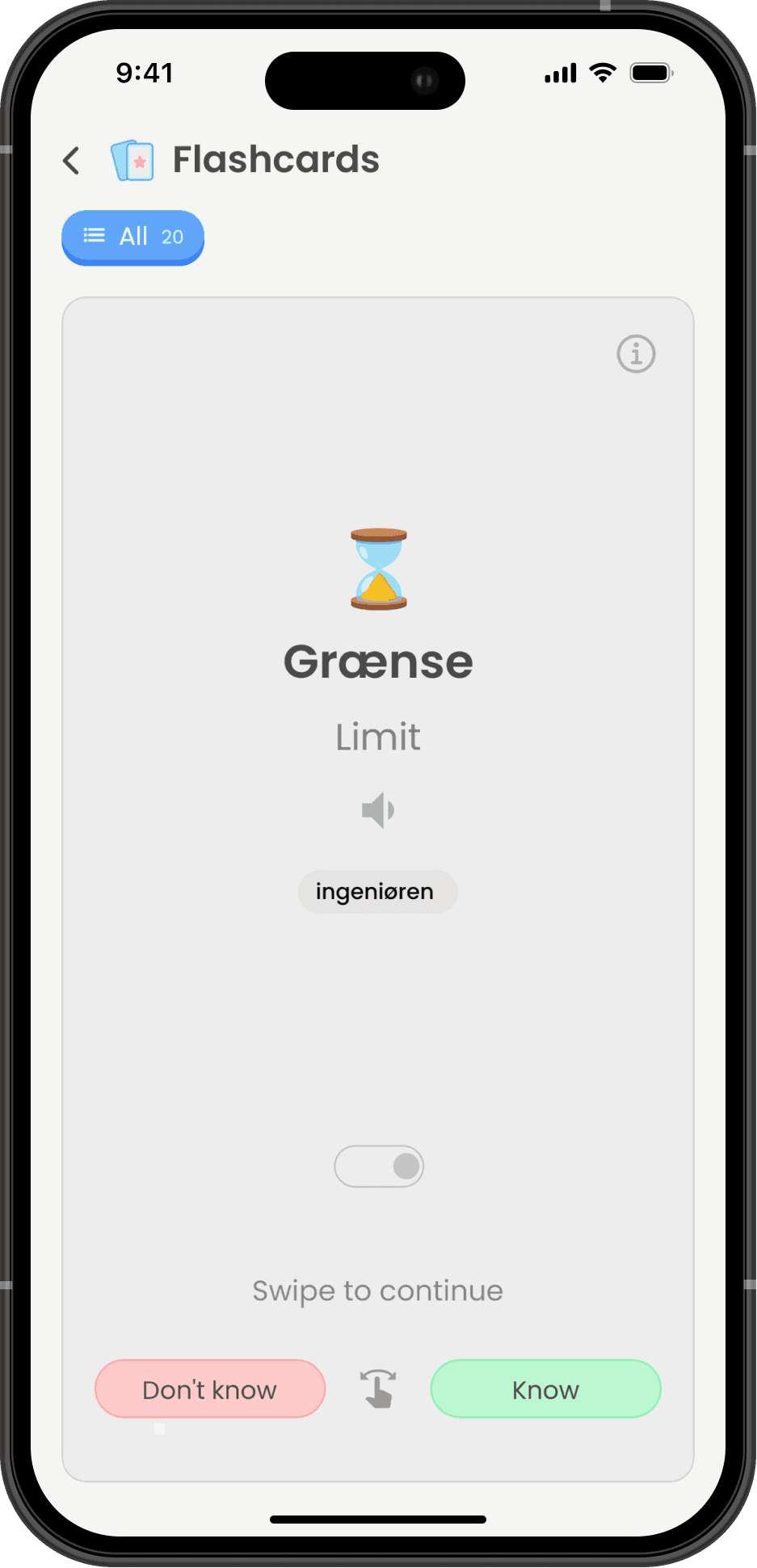
Flashcards
Practice and memorize words with interactive flashcards.
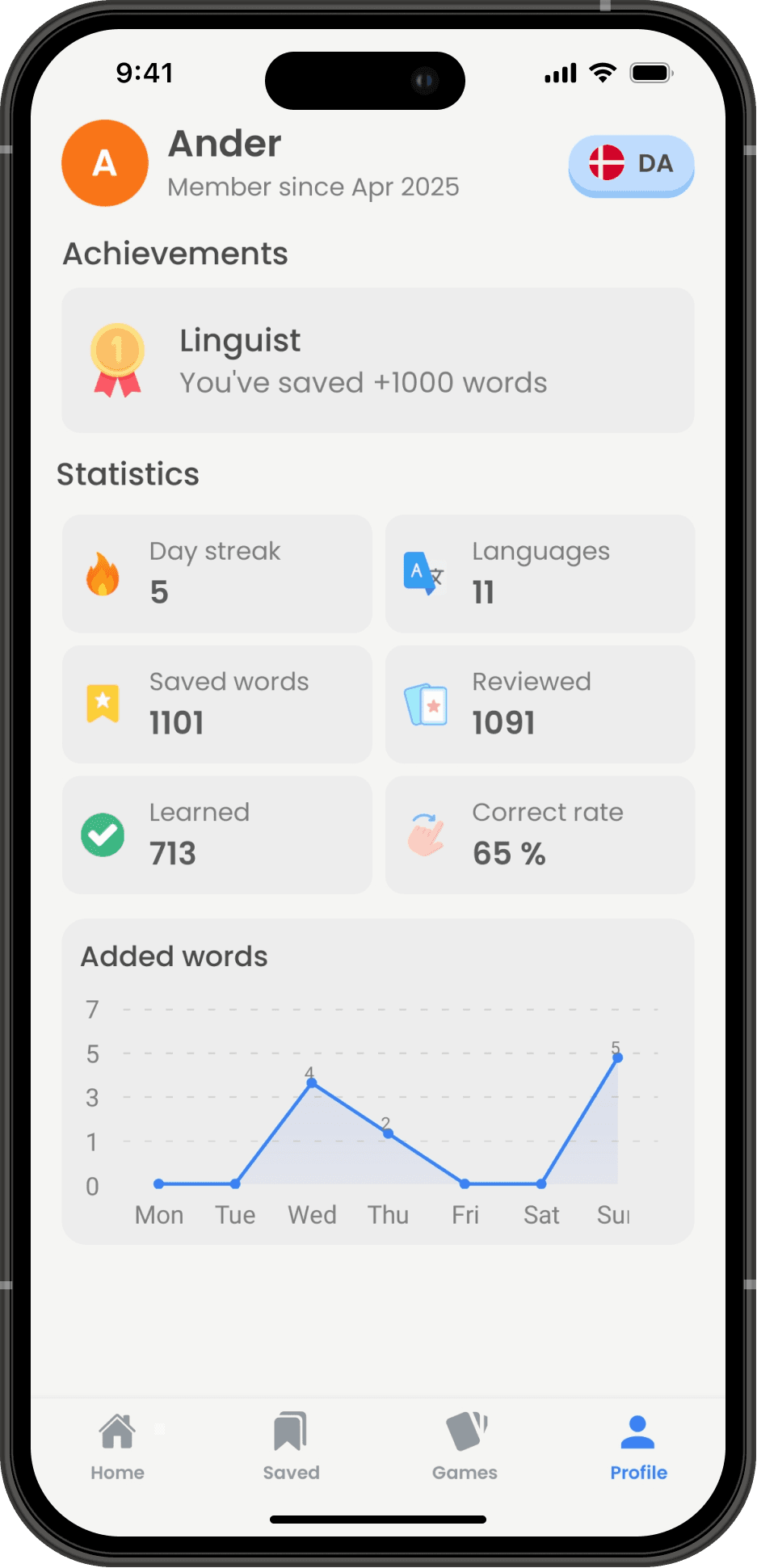
Statistics
Track your progress with detailed statistics.
Multiple languages
More than 50 languages available for translation.

App Demo
Watch the app in action through the following video.
Collections
Find basic vocabulary lists with 200+ essential words in the following languages.




FAQ
1. What makes Wordwise different from other language learning apps?
Unlike other apps that only focus on translations, Wordwise allows you to save, organize, and customize your vocabulary. You can tag words, add emojis, and track your learning progress with personalized flashcards. It's not just about translating words — it's about keeping them for the long term.
2. How do I select my languages?
The blue language is where your words will be saved, and the gray language is for translations. This distinction ensures your saved words are organized according to your preferred learning language, so you can easily track your progress in both languages.
3. How does the flashcard practice help me retain words?
Flashcards use spaced repetition, ensuring that harder words are shown more often, while easier words are shown less frequently. This ensures you're reviewing words at the optimal time for memory retention, making sure you don't forget the ones you've learned.
4. Can I fully customize my vocabulary list?
Yes! You can edit every word you save, including adding custom examples, tags, and emojis. This level of customization allows you to organize your vocabulary in a way that makes sense to you and helps you remember the words better.
5. How does Wordwise help me track my learning progress?
Wordwise shows you detailed statistics on the words you've saved, learned, and practiced. You can monitor your progress based on the selected language, helping you stay motivated and on track.
6. Why is Wordwise valuable for language learners?
Wordwise gives you more than just a dictionary. It's a complete vocabulary management tool that helps you actively learn, organize, and remember the words you encounter. Whether you're learning from a book, a class, or daily interactions, Wordwise helps you make words stick.
7. Can I use Wordwise for other languages besides the one I'm currently learning?
Yes! You can easily switch between languages and track your progress for each one separately. It's a versatile tool whether you're studying multiple languages or just focusing on one.
8. How do I back up my data?
In your profile settings, you can download your data and restore it on a new device. This ensures your progress is always safe, even if you change devices.
9. How can I delete my data?
WordWise works entirely offline and does not collect or store any personal data on servers. All your vocabulary and progress is saved locally on your device. To delete all your data, go to Settings > Delete Data in the app. This will permanently erase everything, including saved words, progress, and statistics.